
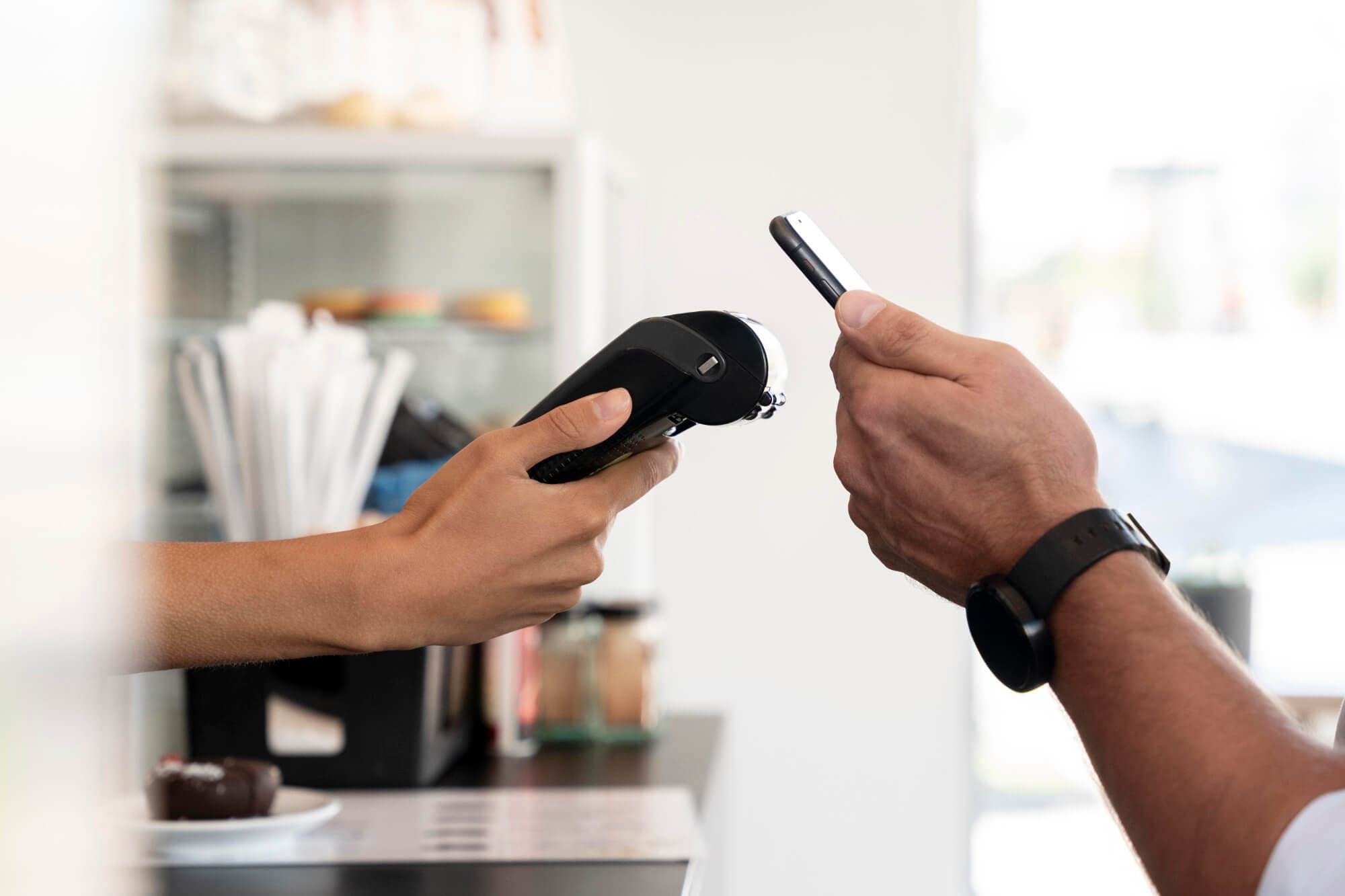

Google Wallet is integrated into Google Pay, letting you pay quickly, securely, and contactless wherever Android payments are accepted.
What is Google Wallet?
Google Wallet is a mobile payment platform that allows you to pay in stores or online easily and securely.
It works on Android devices – smartphones, tablets, and smartwatches – giving you everything you need to complete purchases from your device while keeping your data safe.
How to Pay with Your LiaPay Cards
Use Google Wallet on any Android device (phone, smartwatch, or tablet) with Android 5.0 (Lollipop) or higher and NFC technology.
How it Works
Simply bring your Android device near a contactless payment terminal with the screen on. Payments happen instantly – you don't even need to open the app.
Requirements to Use Google Wallet
Android 5.0+
Lollipop or higher with NFC
Google Wallet App
Installed on your device
CES Enabled
Secure Online Commerce
LiaPay Card
Mastercard or Visa debit
Set Up Google Wallet for Your LiaPay Card
Download the App
Install the Google Wallet app on your Android device and tap "+ Add Payment Method".
Add Your Card
Scan your LiaPay debit card and complete any required details.
Start Paying
You're ready to pay in-store, online, or in-app securely with Google Pay.
Benefits of Google Pay with LiaPay
Contactless Payments
Quick and convenient
Pay Everywhere
Accepted in stores, apps, and online globally
Extra Security
Your card details stay encrypted and private
No Need to Carry Card
Your device becomes your wallet